Google Business Profile verification failed is a frustrating message for business owners who rely on Google Search and Maps to attract local customers. You may have submitted a verification video, provided business information or attempted the process several times without receiving approval.
Verification problems can delay your ability to manage your business listing and create uncertainty about how customers find your business online. However, unsuccessful verification does not automatically mean your profile is permanently suspended.
This guide explains why Google Business Profile verification fails, how to resolve common issues, what to do when video verification is rejected and when to seek professional recovery assistance.
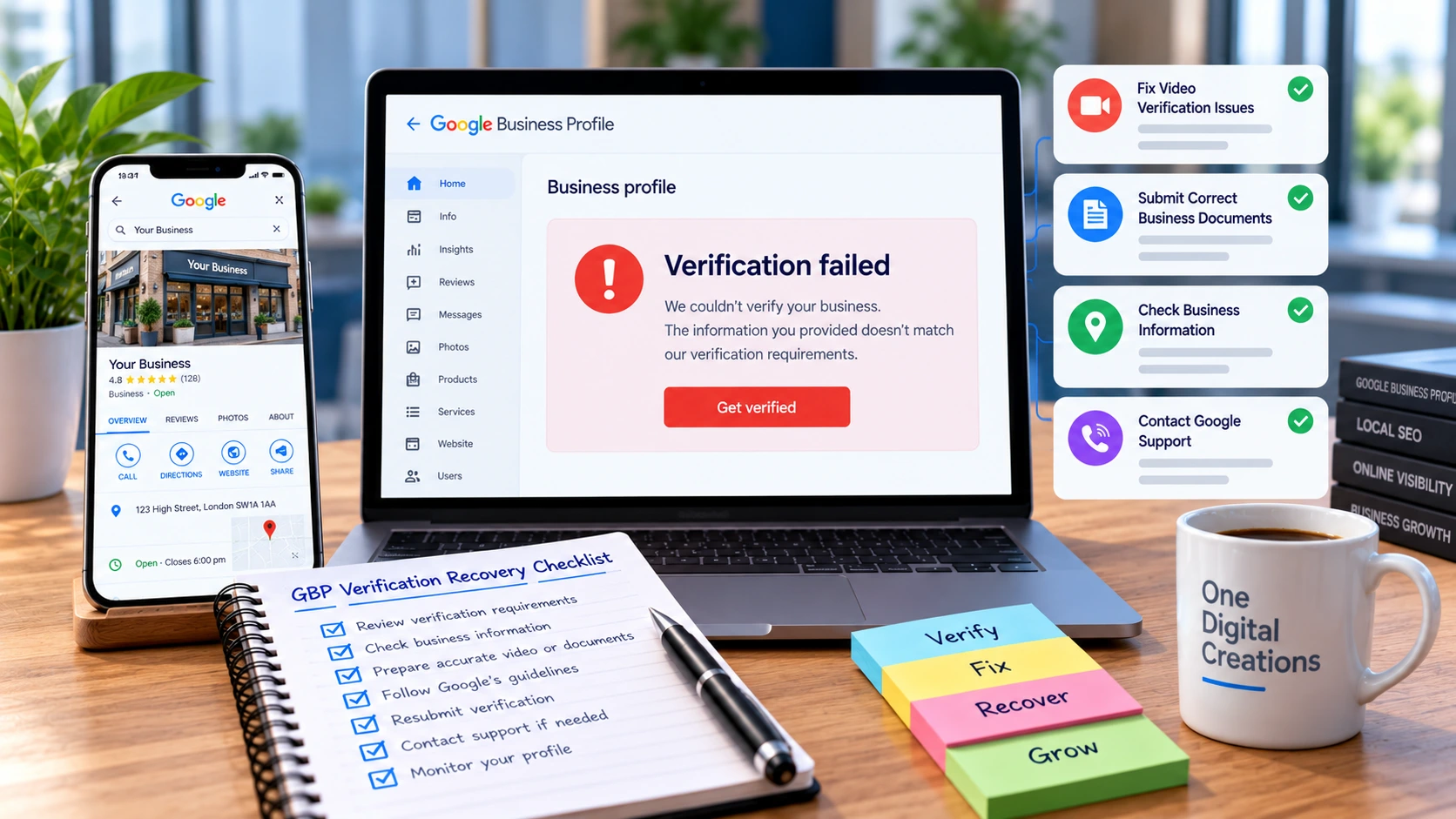
What Does Google Business Profile Verification Failed Mean?
Google Business Profile verification confirms that a business exists and that the person managing its listing is authorised to represent it.
If verification is unsuccessful, Google has not been able to confirm the required information using the evidence or method submitted.
Depending on the circumstances, your dashboard may display messages such as:
These messages may indicate different situations. A rejected video may require stronger evidence, while a request to verify again could follow changes to important business information.
Always review the exact message displayed in your Business Profile before attempting recovery. Verification failure and profile suspension require different approaches.
Why Does Google Business Profile Verification Fail?
There are several reasons a verification submission may be unsuccessful. Understanding the possible cause helps you avoid repeating the same mistake.
If your Google Business Profile verification failed, the first step is to identify whether the issue involves business information, location evidence or the verification method itself.
Insufficient Location Evidence
The recording may not clearly show the business location, nearby landmarks, building details or appropriate signage.
Missing Proof of Ownership
Google may not be able to establish that the person submitting verification manages or represents the business.
Incorrect Business Information
Business names, addresses, categories or service-area details that do not accurately reflect operations may complicate verification.
Unsuitable Verification Video
Edited footage, missing evidence or recordings that do not follow Google's requirements may be rejected.
Business Information Changes
Certain changes to a verified listing can trigger a new verification request.
Business Eligibility Problems
A business that does not meet Google's eligibility requirements may be unable to complete verification.
How to Fix Google Business Profile Verification Failed: 7 Steps
If your Google Business Profile verification failed, follow these seven steps before submitting another attempt.
Step 1: Check Your Verification Status
Sign in to the Google account associated with your listing and open your Business Profile. Read the verification message carefully.
If you see Review issues, select it and follow the instructions. If the Get verified button appears again, Google may require re-verification.
Step 2: Review Your Business Details
Confirm that your business name, address or service area, telephone number, website and category accurately represent your genuine operations.
Do not create an artificial business address or add unnecessary keywords to the business name simply to obtain approval.
Step 3: Prepare Stronger Evidence
Before recording another video, identify what was missing from the previous submission.
A storefront may need clear footage of its location, permanent signage and employee-only areas.
A service-area business may need to show appropriate equipment, tools, operational evidence or business documents.
Step 4: Record a New Verification Video
Google's video verification process requires a continuous, unedited recording of at least 30 seconds, recorded and uploaded through your Business Profile on a mobile device.
Make sure the recording includes evidence of your location, business operations and authority to manage the business.
Avoid filming sensitive personal information or other people's faces.
Step 5: Wait for Google's Review
Google states that verification reviews can take up to five business days, although some cases may take longer.
Check your dashboard and associated email account for updates. Avoid making unnecessary profile changes during review.
Step 6: Use Another Available Method
Depending on your business, Google may offer video, telephone, SMS, email, live video call or postcard verification.
Google determines which options are available. If your dashboard provides an alternative, follow the instructions for that method.
Step 7: Contact Google Support
If verification continues to fail, contact Google Business Profile support with the relevant error details and a summary of your previous attempts.
You can also consult Google's official Business Profile verification guide .
What If Google Business Profile Video Verification Keeps Failing?
Repeated video rejection usually requires a closer review of the evidence. Submitting the same footage without addressing the stated issues may lead to another unsuccessful attempt.
If your Google Business Profile verification failed after a video submission, review the recording requirements and prepare clearer evidence before trying again.
| Possible Issue | Recommended Action |
|---|---|
| Location unclear | Show relevant street signs, building numbers or nearby landmarks. |
| Business signage missing | For eligible storefronts, clearly show permanent business signage. |
| Ownership not demonstrated | Show legitimate access to employee-only areas or business assets. |
| Service-area evidence insufficient | Show genuine work equipment, operating location and appropriate business documentation. |
| Video rejected again | Select Review issues and address the reasons Google provides. |
Google's video verification instructions explain the requirements for storefront, hybrid and service-area businesses.
Google Business Profile Verification vs Suspension
A failed verification and a suspended Google Business Profile are not the same issue.
Verification Failure
Google has not confirmed the business or the authority of the person managing the profile through the required verification process.
Profile Suspension
Google has restricted the profile. The issue may involve eligibility, policy compliance or other concerns and may require an appeal.
If your listing is suspended rather than unverified, review our Google Business Profile recovery guide before taking further action.
For UK businesses, Google's appeals process may be relevant when a profile is suspended or disabled. Avoid creating a replacement profile for the same business while an appeal is under review.
Can You Recover an Unverified Google Business Profile?
Many eligible businesses can complete verification after correcting the issues identified by Google.
If your Google Business Profile verification failed, it does not always mean your listing cannot be recovered. Eligible businesses may be able to complete verification after correcting the identified issues.
For example, a genuine business whose video lacked sufficient location evidence may be able to verify after submitting an improved recording.
However, providing more evidence cannot resolve a fundamental eligibility problem.
No agency can guarantee Google Business Profile verification or reinstatement. Google makes the final decision. Professional assistance can help identify problems and prepare appropriate evidence.
How to Prevent Future Verification Problems
Maintaining accurate business information can help reduce avoidable verification complications.
For ongoing assistance, explore our Google Business Profile management services .
Frequently Asked Questions
Why does my Google Business Profile keep failing verification?
Possible reasons include insufficient location evidence, missing proof of authorisation, unsuitable video footage or inaccurate business information. Review Google's stated issues before submitting another attempt.
How long does Google Business Profile verification take?
Google states that verification reviews can take up to five business days. Some cases may take longer depending on the review requirements.
Can I verify my Google Business Profile without a video?
Sometimes. Google determines the available verification methods. If another method appears in your dashboard, you can follow its instructions.
Can a suspended Google Business Profile be verified again?
A suspended profile may require a separate appeal or reinstatement process. Check the restriction and follow Google's applicable recovery procedure.
Can an agency guarantee Google Business Profile recovery?
No. Agencies can assist with reviewing eligibility, preparing evidence and explaining recovery procedures, but Google controls verification and reinstatement decisions.
Need Help with Google Business Profile Verification?
If your Google Business Profile verification failed, understanding the underlying issue is the first step towards resolving it.
One Digital Creations helps businesses review verification problems, identify potential compliance issues and prepare practical next steps for recovery.